Digital products · 3 min read
What Actually Is a Digital Product?
Understand digital products through simple examples, what the customer receives and the work that still sits behind a downloadable file.
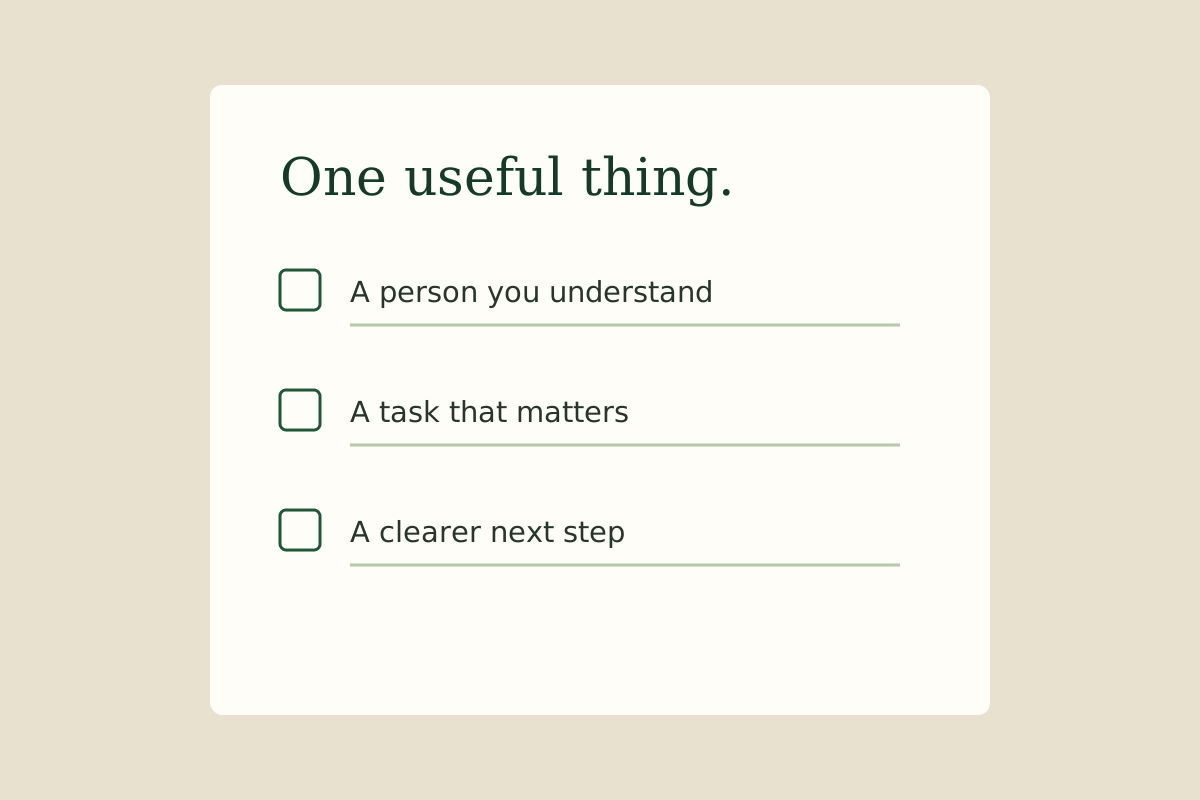
A digital product is something a customer receives or uses electronically rather than as a physical item. A downloadable workbook, an editable spreadsheet and an audio lesson can all be digital products. The file is the delivery format. The useful result it helps someone achieve is the reason they might want it.
A PDF is not automatically a business. A beautifully designed file can still leave its reader thinking, "What am I supposed to do with this?"
Start with a job someone wants done
Consider a moving-house checklist. Its job might be helping a first-time renter remember tasks in the final week before moving. That is more specific than "a planner for everyone".
You could organise it by timing, leave room for personal notes and explain the items that are easy to misunderstand. Ask a potential user to follow it. If they have to guess what half the headings mean, the next improvement is clearer instructions, not another decorative page.
The useful question is whether the checklist makes that move easier. Whether enough people want to pay for it needs a separate test.
Different formats suit different jobs
- A PDF can suit material people want to read or print.
- A spreadsheet can suit calculations, sorting or a tracker.
- An editable template can suit a task where people need to adapt the layout.
- Audio or video can suit something that benefits from hearing or seeing an explanation.
Choose the simplest format that genuinely helps. If a one-page checklist solves the problem, turning it into a 60-page workbook may make it less useful.
For the moving checklist, a printable PDF may suit someone who wants to pin it up. A spreadsheet might suit someone tracking dates and costs. Neither is automatically better. Test the format with someone using the kind of device your customer is likely to have, and check that the instructions make sense without your help.
What the customer needs to know
Make the description clear about what is included, the file type, any software needed and what the buyer may do with it. A printable is different from a physical product sent in the post. An editable template is different from a finished image. Confusion creates disappointment even when the underlying work is good.
Use material you have the right to include. A font, image or template licence can have conditions. Buying an asset does not necessarily mean you can redistribute the original file to your customers.
The work does not disappear after creation
Digital delivery can avoid packing parcels, but products may still need updates, support, accessibility checks and promotion. Fees, tax obligations, competition and refunds can also affect the practical picture. This is not automatically passive income.
Before building, finish this sentence: "This helps [a particular person] do [one useful job] by giving them [a clear format]." If that sentence is difficult, spend a little longer understanding the person before opening a design tool.
Learn with support
Take the idea beyond the definition.
Digital products are one of the learning themes inside Savvi Streams on Skool. If you want to explore the skills behind making and explaining a useful resource, the current membership brings beginner learning and community support together.
Meet the Savvi Streams community