AI & practical skills · 3 min read
How AI Can Help When You've Got Ideas but Not Much Time
Use AI to organise a small task, explore a rough outline and improve a draft without handing over private information or trusting unchecked answers.
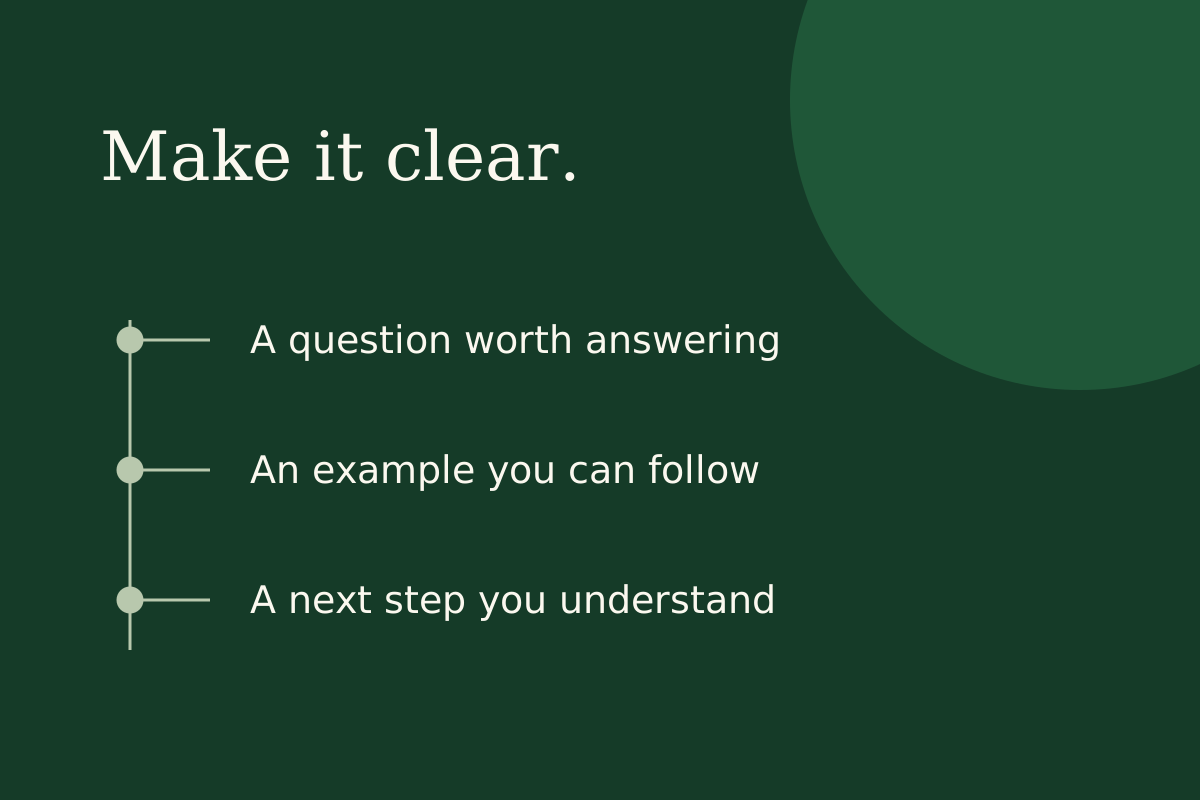
AI can help organise your thoughts, suggest an outline and turn rough notes into something easier to review. It is most useful when you give it one clear task and leave time to check the result. It cannot tell you that an idea will sell, and a confident answer is not evidence that something is true.
The aim is not to generate a week's worth of material you have no time to read. It is to make one useful next step easier.
Give it a bounded job
Instead of "build me an online business", try a task like this:
"I am drafting a one-page packing checklist for a family day out. Suggest five practical headings, using plain British English. Do not invent rules, costs or statistics. List questions I still need to answer for the particular trip."
The prompt names the reader, the shape of the answer and the things you do not want guessed. You will still need to decide what belongs on the list.
Use the first answer as something to question
Read the headings. Are they helpful? Are two saying the same thing? Is an important step missing? Ask the tool to shorten a confusing heading, but make the final judgement yourself.
A heading such as "Take all the essentials" does not help much if the reader is trying to work out what the essentials are. In this hypothetical example, you might separate food and drink from weather-related items, then check the particular family's needs. That revision comes from understanding the task, not accepting the first answer because it sounds tidy.
Keep a record of what the tool suggested, what you changed and what you checked. If a session produces more material than you can inspect properly, ask for less next time. Saving time on drafting is useful only if you can still take responsibility for the finished work.
If the output includes a rule, price, quote or factual claim, check an appropriate original source. OpenAI's own guidance warns that ChatGPT can produce inaccurate information and fabricated references. Features and limits also change, so check the current version you are actually using.
Keep private information out
Use invented examples rather than customer messages, passwords, account details or confidential work documents. Before using a tool for business information, check its current privacy settings and terms. If you are not sure whether you may upload something, leave it out.
A short session with a clear finish
- Spend a few minutes explaining the task and audience.
- Ask for an outline or alternatives, not a finished business decision.
- Choose one useful suggestion and rewrite it in your own words.
- Check factual claims and anything that could mislead a reader.
- Save the result with a note of what still needs checking.
If the suggestions are poor, stop refining the prompt and look again at the task. Sometimes the missing piece is a customer conversation or your own decision, not a more elaborate instruction.
Where AI should not take over
Do not publish unchecked material, pretend generated experience is your own or assume an output is original and safe to sell. Review accuracy, rights and usefulness. A small, properly checked draft is a better outcome than a folder full of confident mistakes. AI can support the work; it does not guarantee income or replace responsibility for what you put your name to.
Sources and further reading
Platform guidance can change. Check the linked official source before acting.
Learn with support
Build useful AI skills, with room for questions.
AI is one of the learning themes in Savvi Streams on Skool, alongside digital products and content creation. Explore the current training if you want to develop those skills in a beginner-friendly learning community, rather than collect more untested prompts.
Take your learning further on Skool